
Streamline your practice with personalized patient communication automation. Improve patient retention and reduce no-shows with timely, relevant messages personalized to each individual.

Personalized patient communication automation protects your schedule and boosts retention by handling routine touchpoints (without adding administrative burden).
You already know that regular, clear contact keeps patients coming back and following their care plans. The problem is, your day is packed with treatments, charting and running the clinic.
Automation handles those routine touchpoints for you while keeping each message personal to the patient.
Personalized patient communication automation is the use of software to send the right message, to the right patient, at the right time, based on their preferences, history, and care plan.
It runs in the background, so you keep contact consistent (without spending your evenings on the phone or in your inbox).
For a single location physio or chiro clinic, this includes automated messages that adapt to details you already have in your system, such as visit type, provider, and preferred channel.
Done properly, it feels like a one–to–one conversation (not a blast).
Personalization does not mean sharing diagnosis details.
It means using simple, respectful touches.
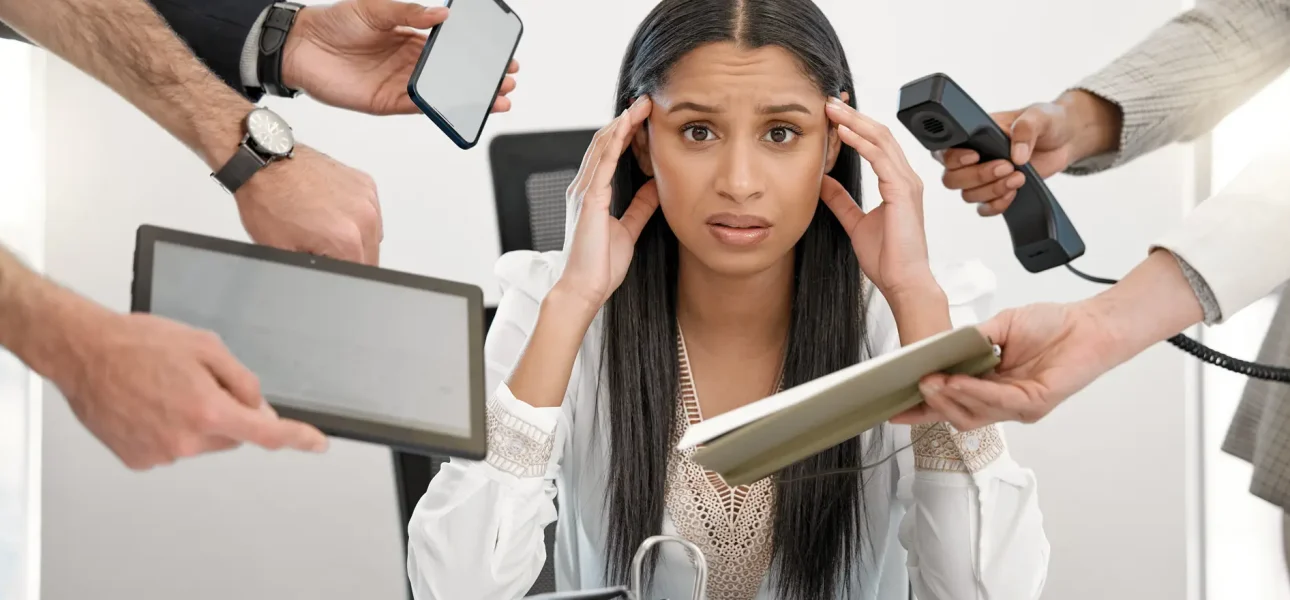
You are not short on clinical skill. You are short on hours.
Between direct care, paperwork, and staff questions, patient communication often happens at the edges of your day. That is when things slip. Missed reminders, delayed follow-ups, and gaps in contact slowly erode patient trust and retention.
Most single location clinics rely on manual calls, individual emails, and ad hoc texts.
That approach creates predictable problems.
Manual communication does not scale in a small clinic. The more you grow, the more admin time it demands.
And the harder it becomes to maintain a consistent, professional patient experience.
When you automate patient communication in a personalized way, you protect your schedule, support better outcomes, and reduce pressure on your front desk.
The system quietly handles the repeatable conversations, so you and your team focus on treatment and higher value patient contact.
The core benefits show up quickly in a single location clinic.
The right platform should feel like a quiet extra staff member (not another system to babysit).
Focus on tools that fit how your clinic actually runs, respect Canadian privacy rules, and grow with you (without turning into a tech project).
Start with a short checklist and compare every option against it.

You do not need a full system overhaul to get value from automation.
Start small, focus on your highest friction points, and build from there.
A clear plan keeps your team onside and reduces the risk of tech sitting unused after the first week.
Take 30-minutes to review how you contact patients today.
Use your map as a shopping list.
Look for software with strong scheduling integration, safe personalization, and clear consent tracking suitable for Canadian clinics.
Involve your front desk in short demos, and then decide based on ease of use (not the longest feature list).
Roll-out in phases.
Test every message with staff first, then a small patient group, before turning it on for the full schedule.
Keep a simple log of patient feedback and adjust templates and timing in short review cycles.
Disclaimer: Always confirm consent and communication preferences in line with Canadian privacy and anti-spam rules, and document how you collect and store that consent.
This is general information, not legal advice, so review it with your legal or compliance advisor before you finalize your process.
Privacy note: This is general information (not legal advice).
PIPEDA, CASL, and provincial health privacy laws govern patient data and messaging consent in Canada, and requirements vary by province, so confirm your clinic’s obligations with a qualified privacy professional.
Using basic context, such as first name, appointment timing, visit type, and stage of care. Personalization means the message matches what the patient is doing (not that you know everything about them).
See how this works from the first visit forward with Healthcare Automation: Making Your Life Easier (And Your Staff Happier)
Anything that reveals sensitive info in a channel that might be seen by others. Avoid diagnosis and treatment specifics in SMS and email. Keep sensitive details inside secure portals or in-person conversations.
Take a closer look with Automate Like a Pro: PHI Compliance Made Easy
Use 3–5 segments max, such as new vs returning, active vs inactive, and a few service lines. If segmentation doesn’t change the message or timing, don’t do it.
See how it works with Marketing Automation for Clinics: A Love-Hate Relationship You Need to Embrace
Yes, because patients respond more when messages are clear and human. Even small changes, such as, “Reply C to confirm,” improve attendance (without extra staff effort).
Find out what a real plan actually looks like with Stop Playing Phone Tag: Automate Your Appointment Reminders
When the “personalization” would reveal anything medical, sensitive, or embarrassing if seen by someone else. For SMS and most emails, stick to logistics, such as timing, location, and next steps. Save clinical specifics for secure portals or a phone call. Generic and safe beats “personal” and risky. Every time.
See how to turn daily pain patterns into a clear path forward with Keep It Safe: Patient Messaging Without the Headaches
Patients now ask ChatGPT where to book. Your free report shows where your clinic lands plus five fixes to climb.
See what ChatGPT says about your clinic before anyone pitches you. Five practical fixes come with every report.
Only nine reports go out each month.